Make chibi art from a sentence or a photo
Describe a character and get a big-headed, tiny-bodied version in any of 48 styles. Sign in with Google and your first 2 credits are free.
Try one of these


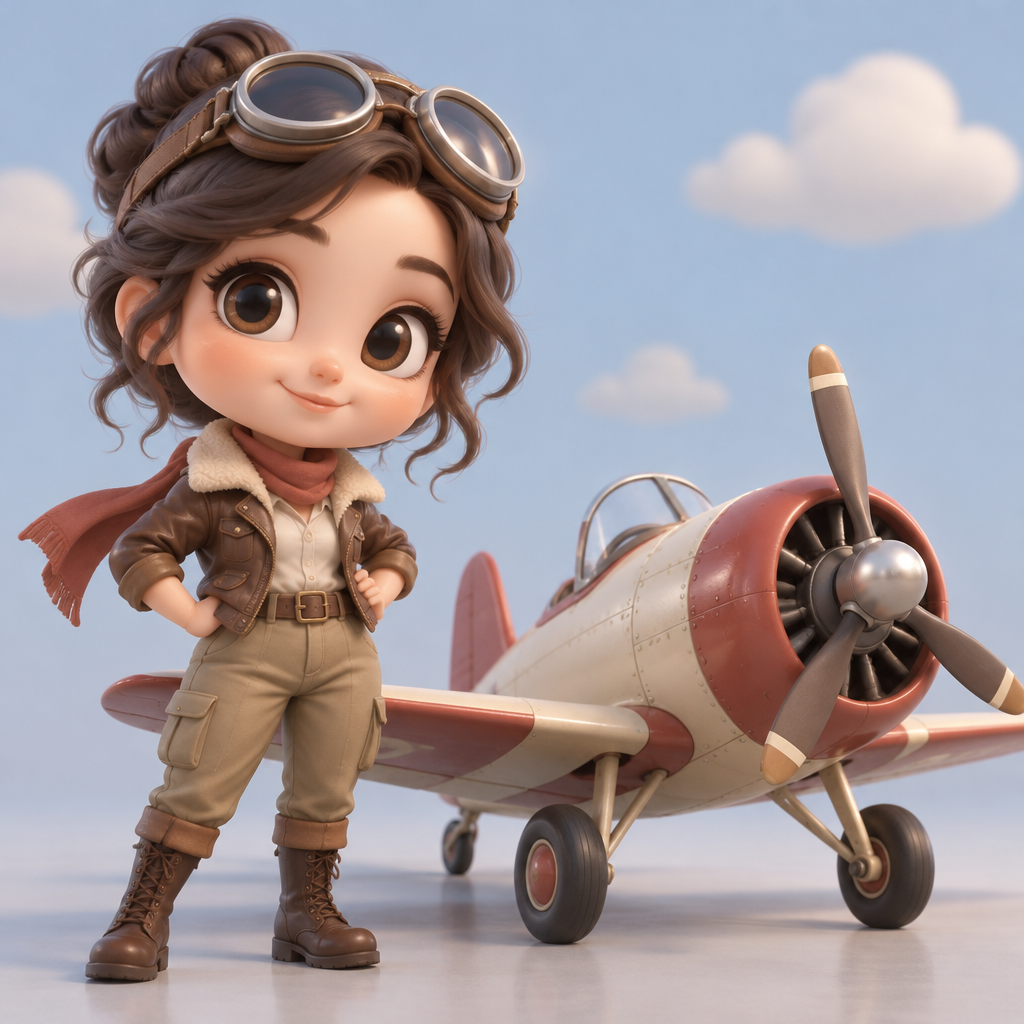
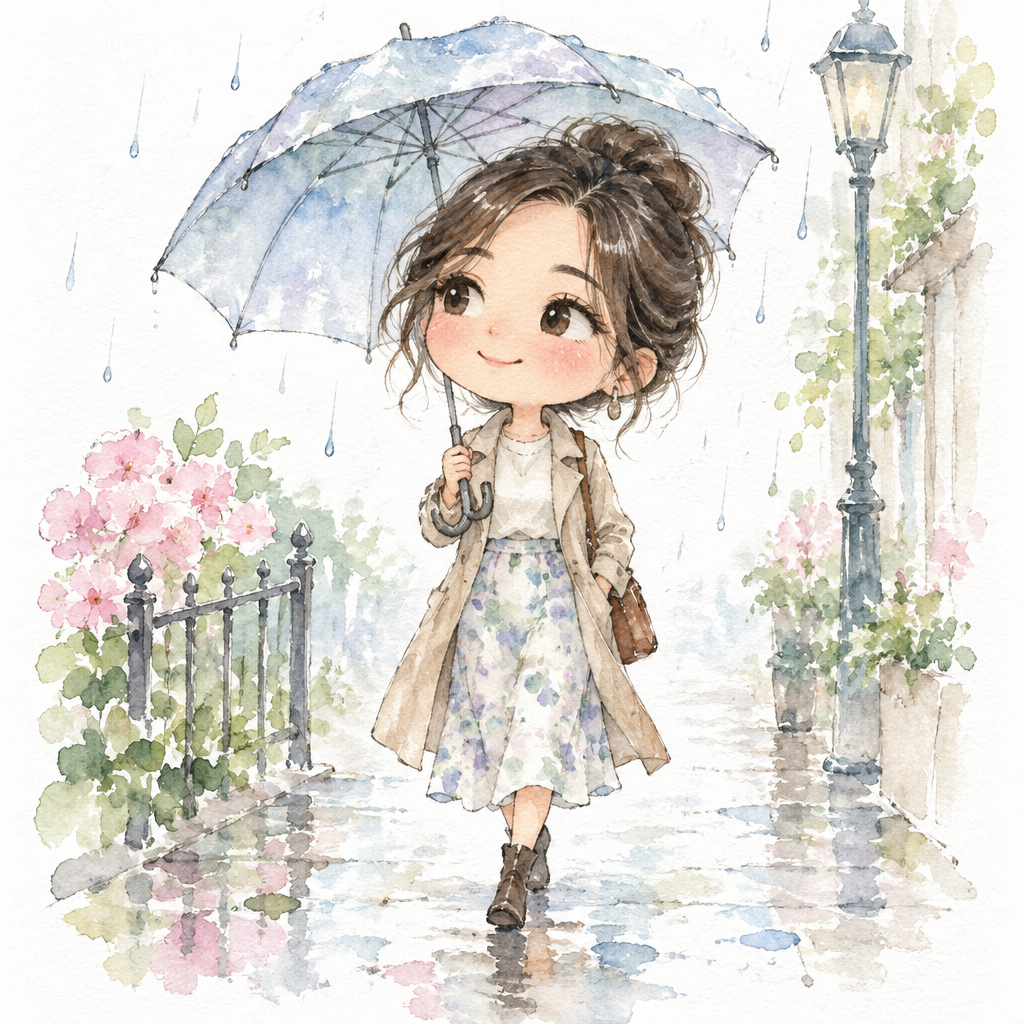
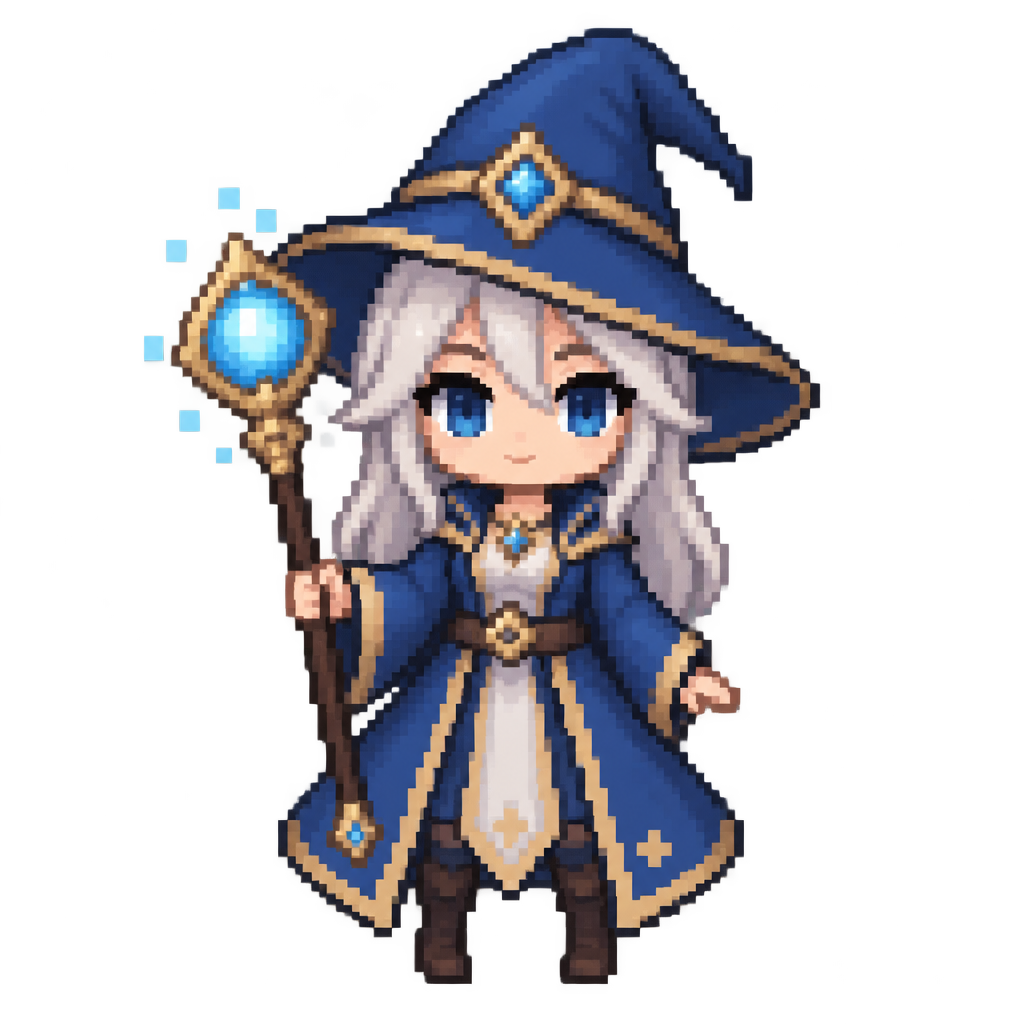
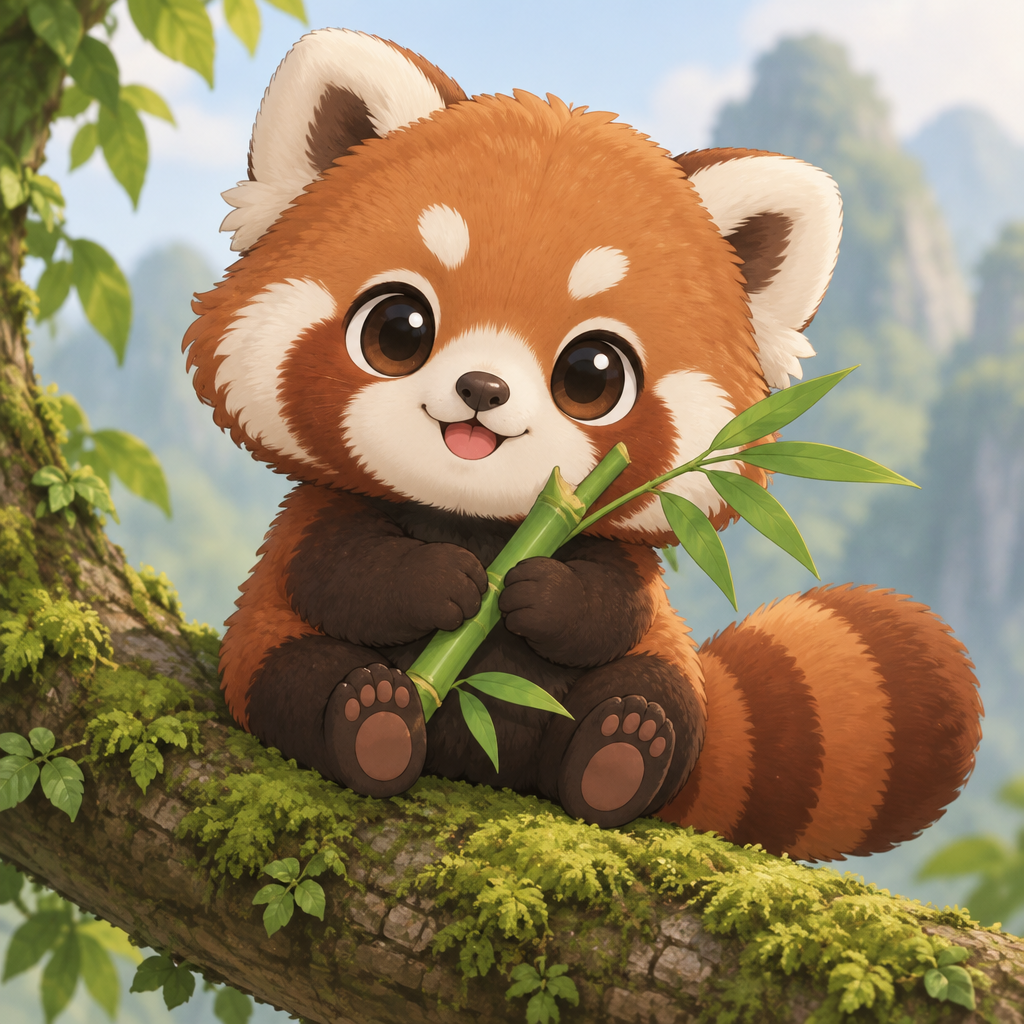
Pick a chibi style
Sticker sheets, chat emotes, soft watercolor, chunky pixels, vinyl figures. Each of the 48 styles works with text prompts, photos and video.
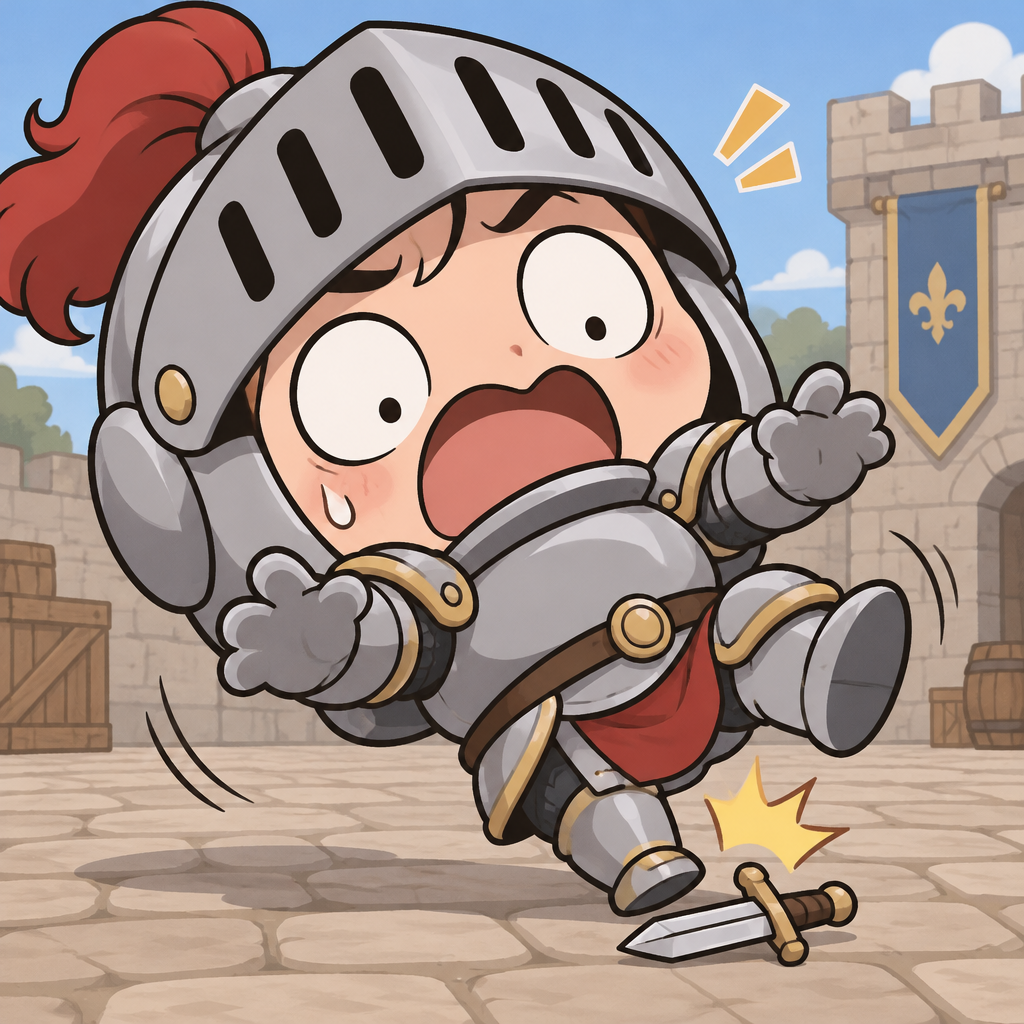

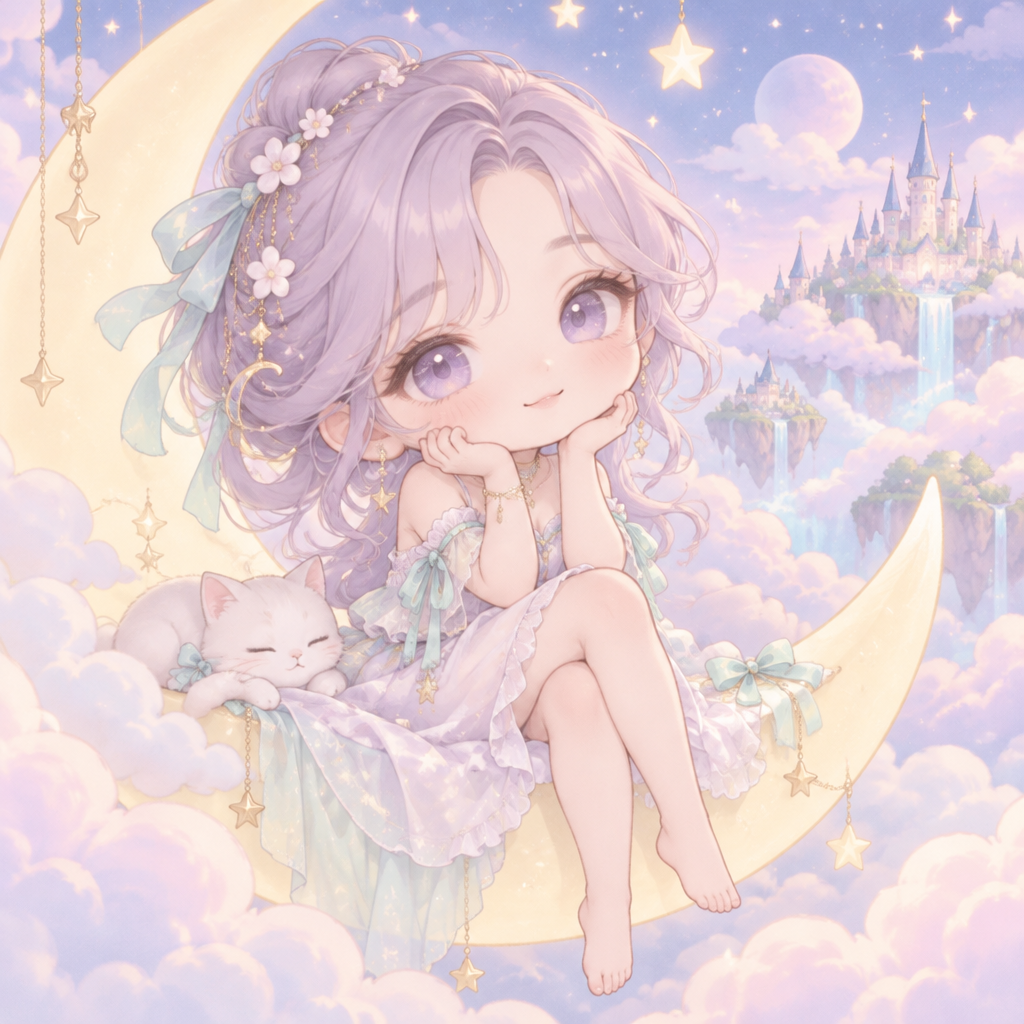
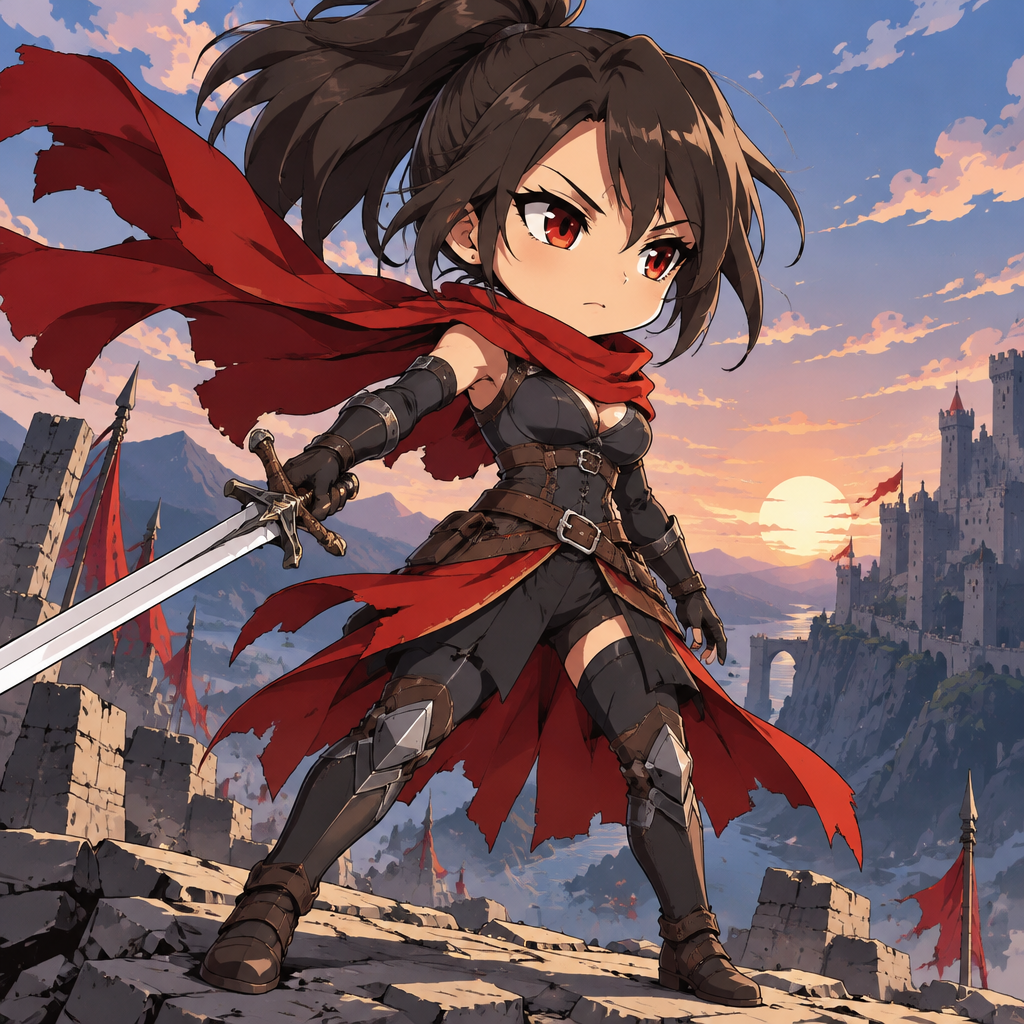
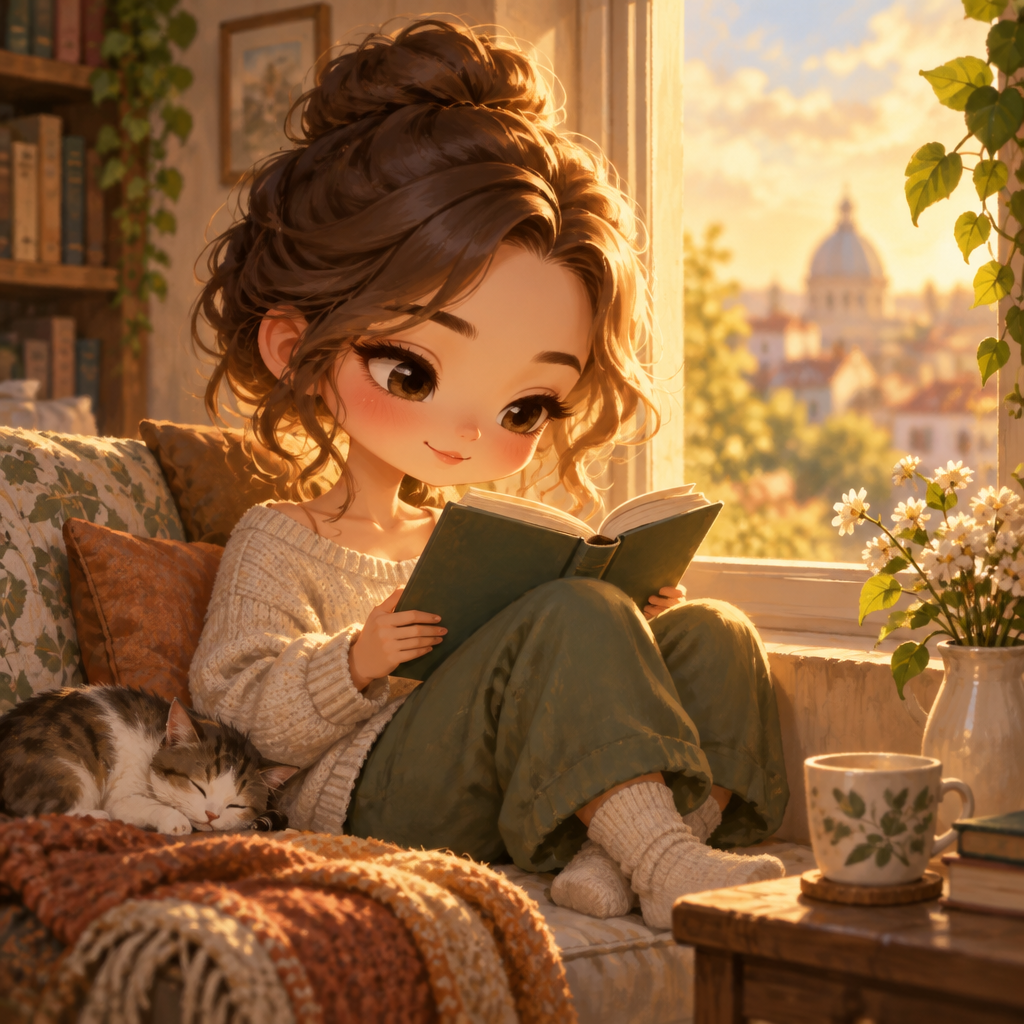
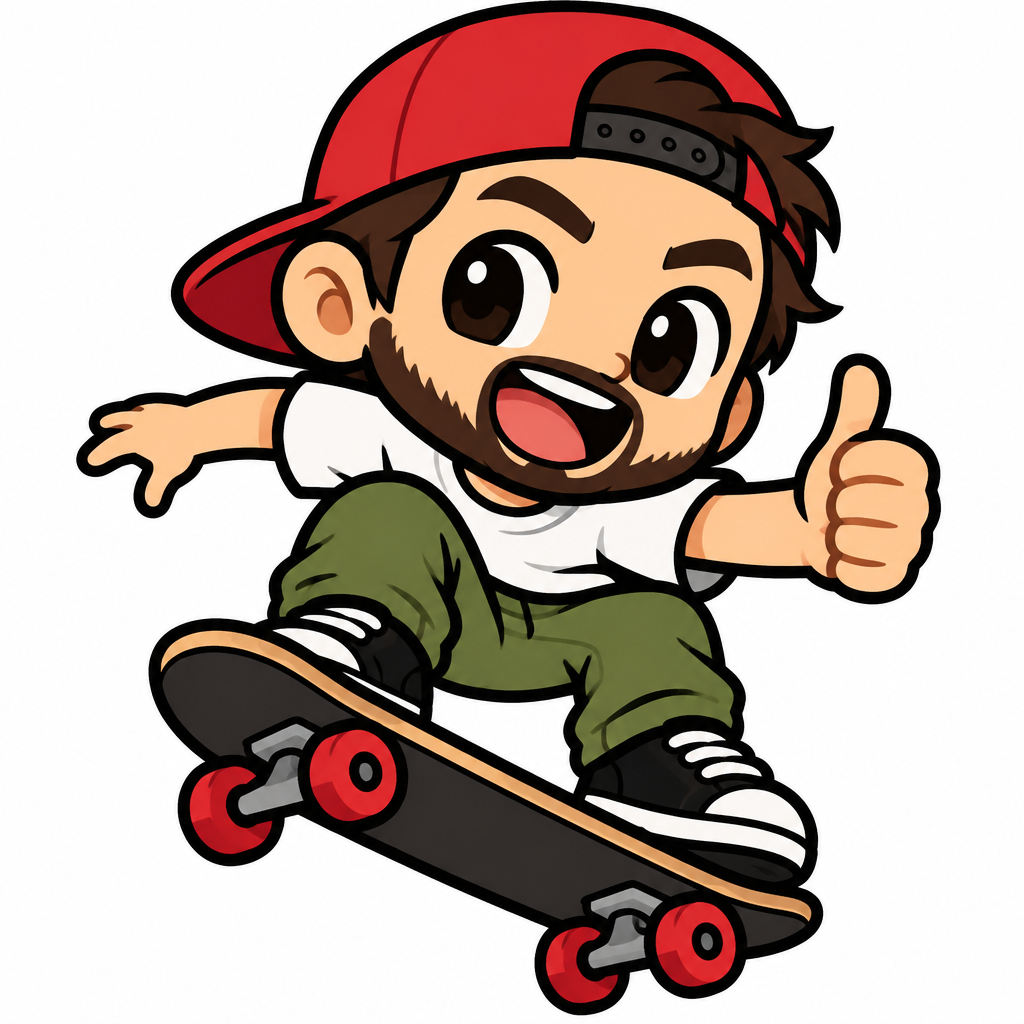
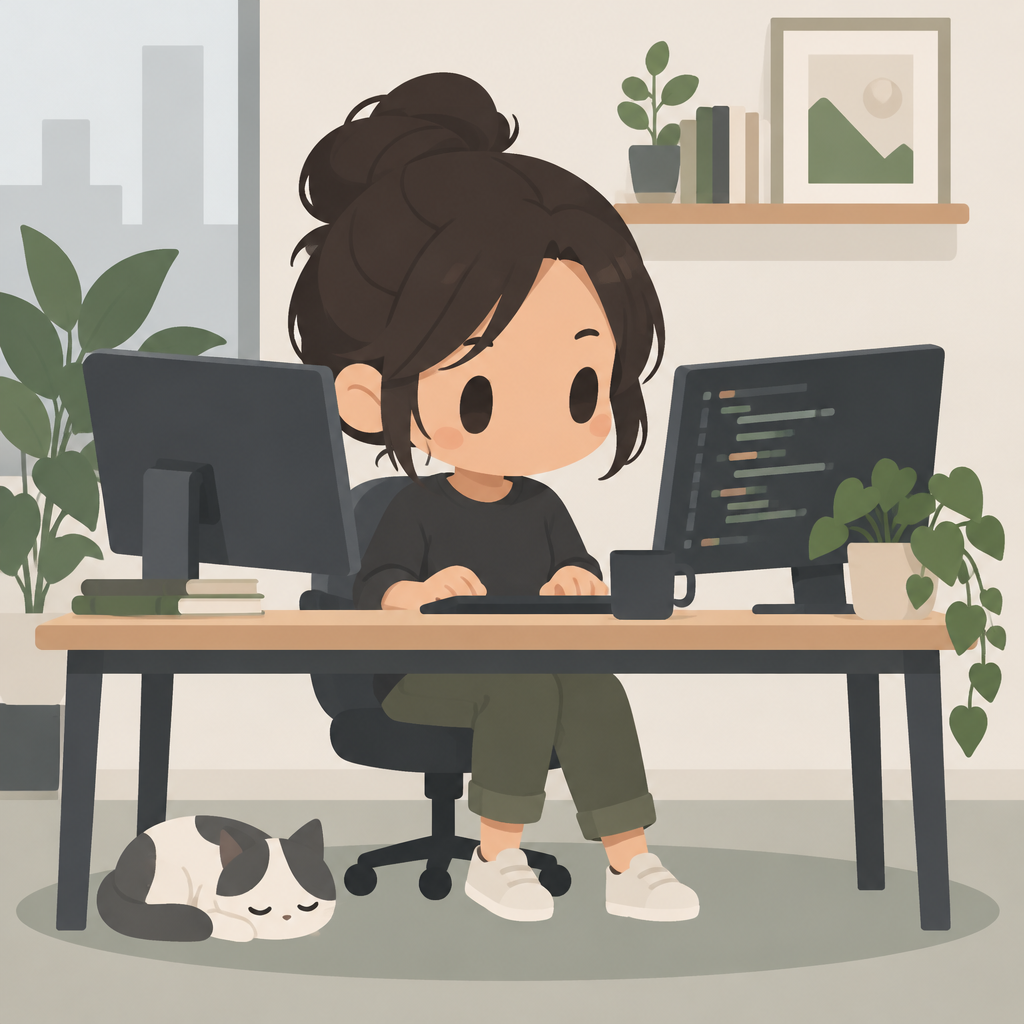
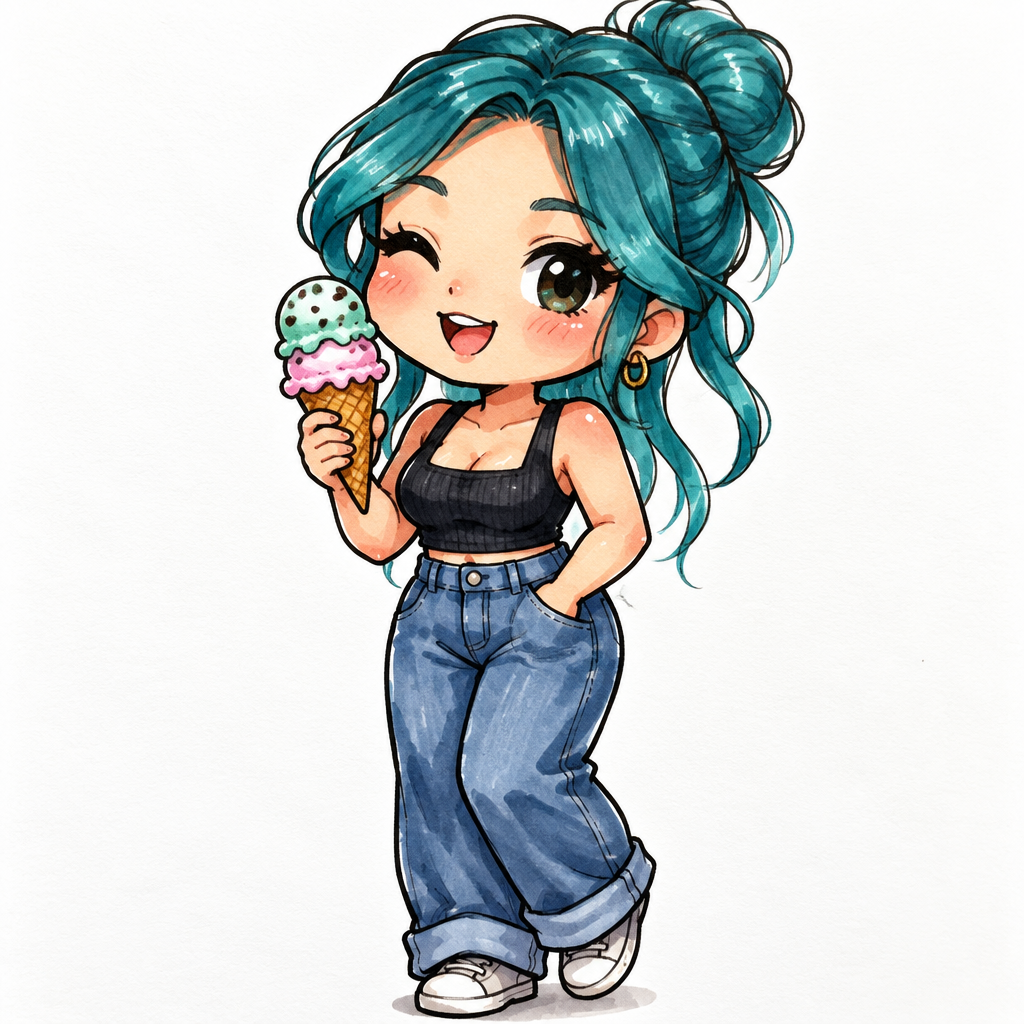
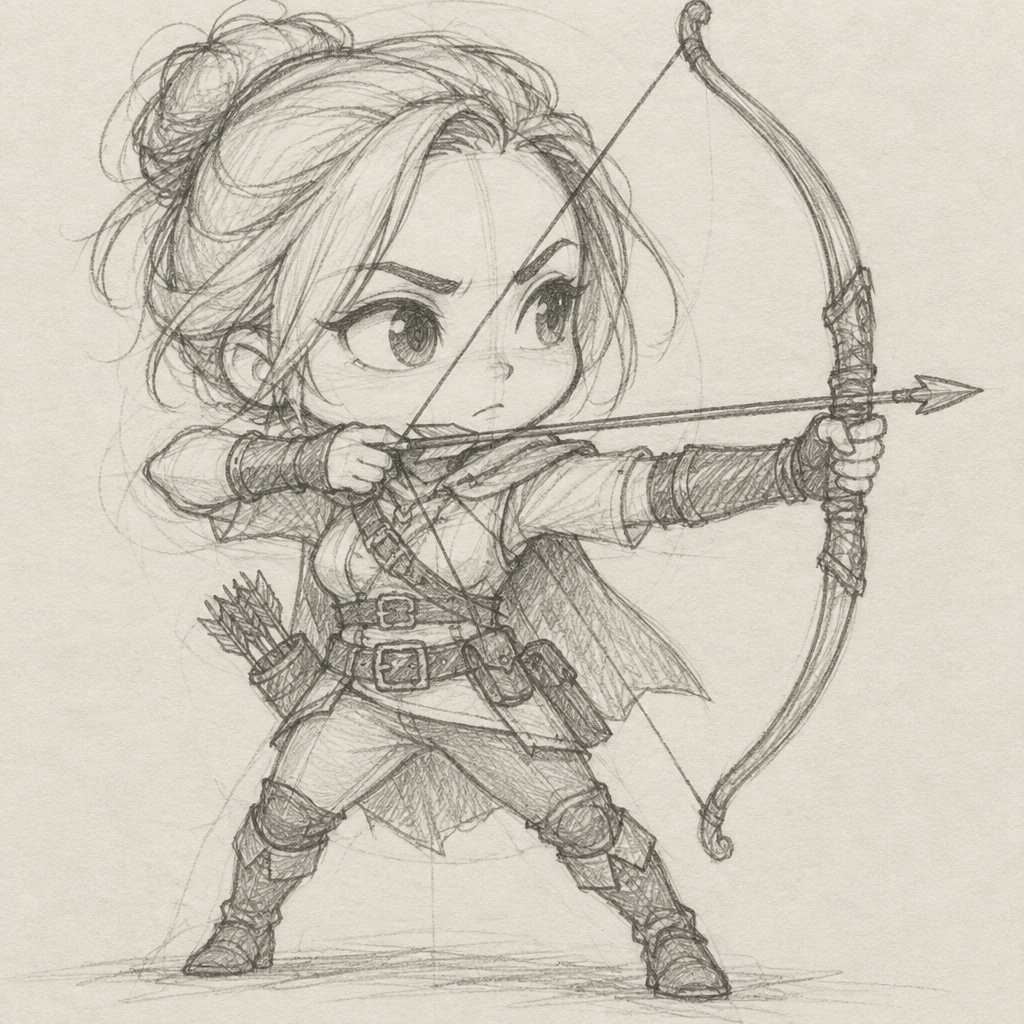
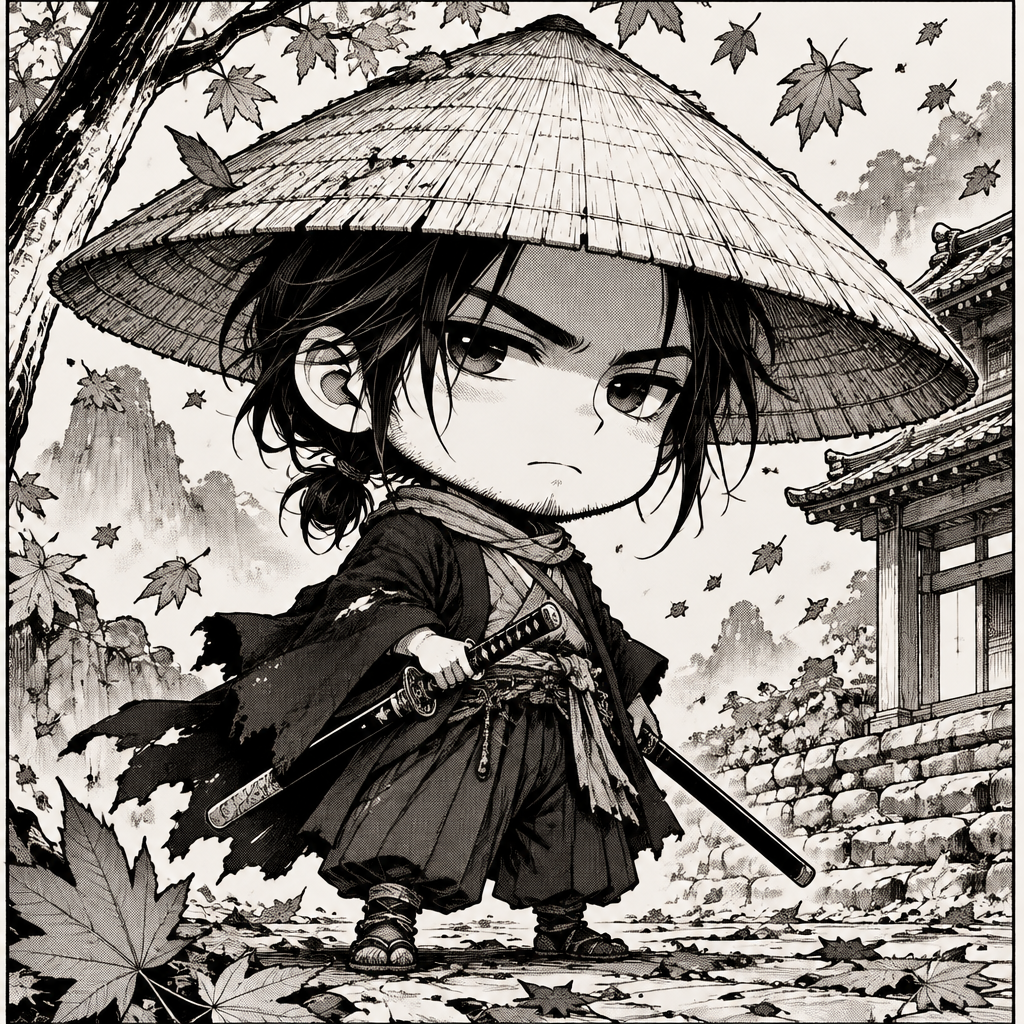
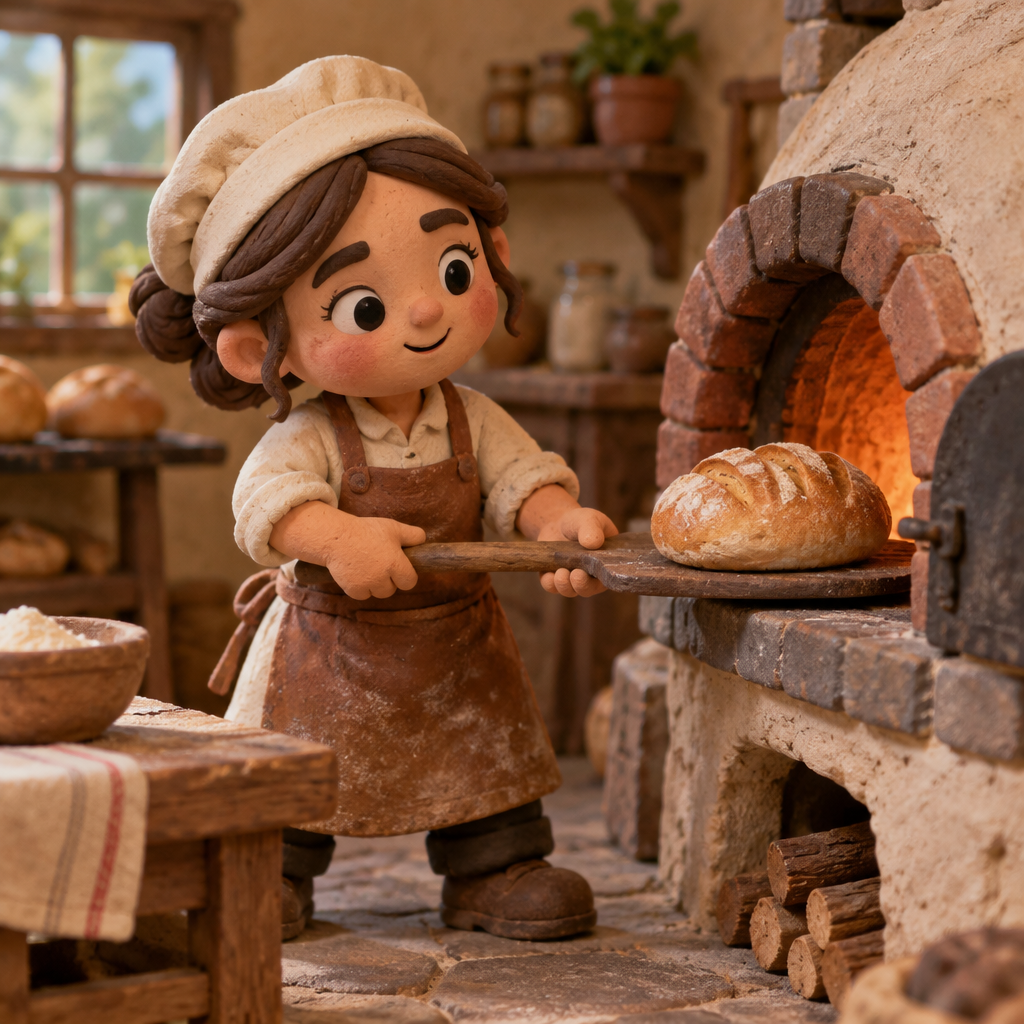
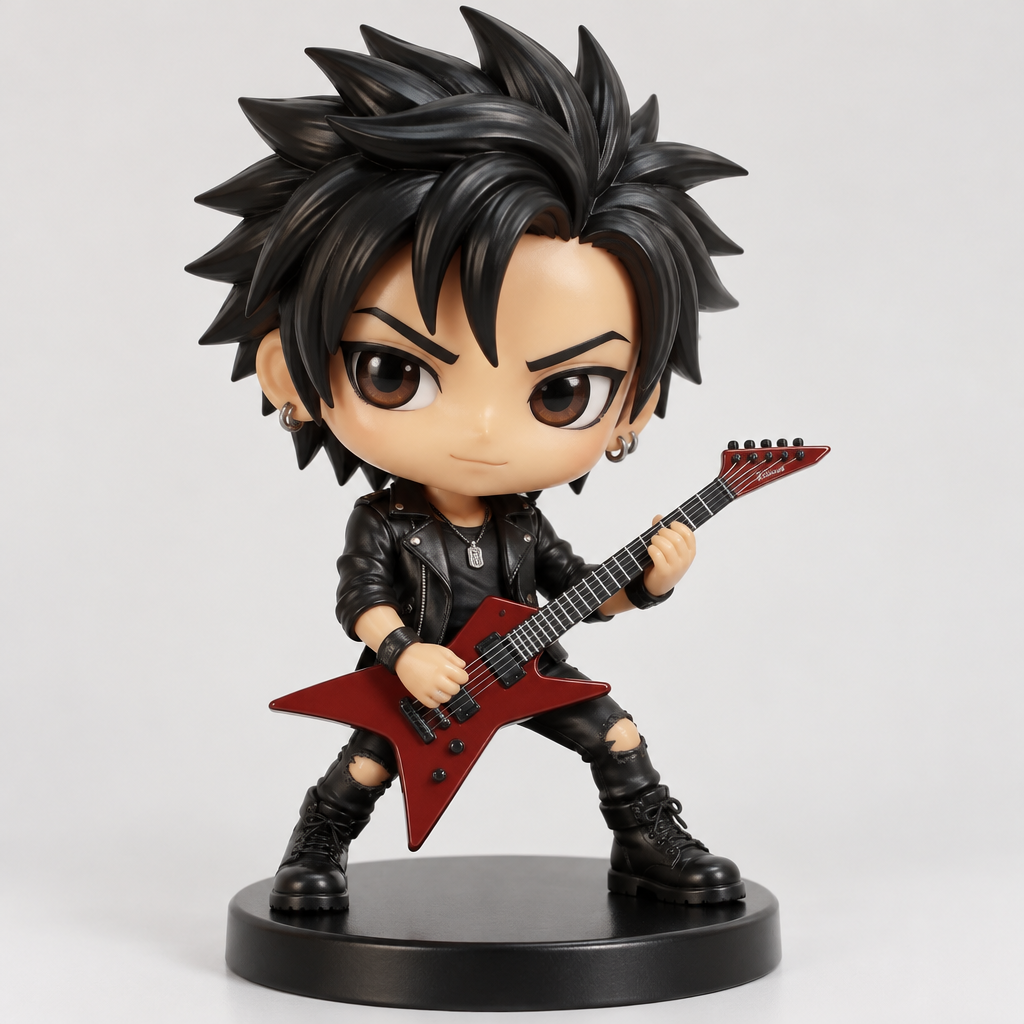
New in the community gallery
Public chibis made on Chibi Art. Open one to view it or remix the idea.
No chibis here yet
You could make the first one.
Four ways to work
From a sentence
Describe the character, outfit and pose. Pick a style or leave it on the plain chibi look.
Write a promptFrom a photo
Upload a picture of a person or a pet and it is redrawn with chibi proportions.
Upload a photoAs a video
Make a 4 to 15 second clip from a prompt or a photo, at up to 1080p, with optional audio.
Make a videoThen edit and upscale
Change details with a plain-English instruction and enlarge the result for printing.
Open the studioQuestions and answers
What is chibi art, and how does this site make it?
Chibi is a drawing style with an oversized head, a small body and large expressive eyes. On Chibi Art you describe a character in a sentence, or upload a photo, and choose one of 48 styles such as Sticker, Watercolor or 3D. The AI draws the chibi, and you can then edit it with plain-English instructions, upscale it or turn it into a short video.
How much does Chibi Art cost?
Signing in with Google gives you 2 free credits, and a standard image costs 1 credit. After that, plans are $9 a month for 250 credits (Creator) or $29 a month for 1,000 credits (Pro). One-time packs are $12 for 250 credits and $40 for 1,000.
Can I turn a photo of myself or my pet into a chibi?
Yes. Open the Photo tab in the studio, upload a picture and pick a style. Profile Picture and Sticker are good starting points for people, and there is a dedicated Pets style. You can add a short note to set the outfit, pose or background.
Can I make chibi videos?
Yes. The Video tab makes a clip from a text prompt or a photo, and the Animate button turns any chibi you have already made into a clip. Videos run from 4 to 15 seconds, at up to 1080p, with optional audio.
Who owns the chibi art I make?
You do. The details are in our Terms of Service. Copyright law for AI-made art varies by country, and nothing here is legal advice.