Chibi maker
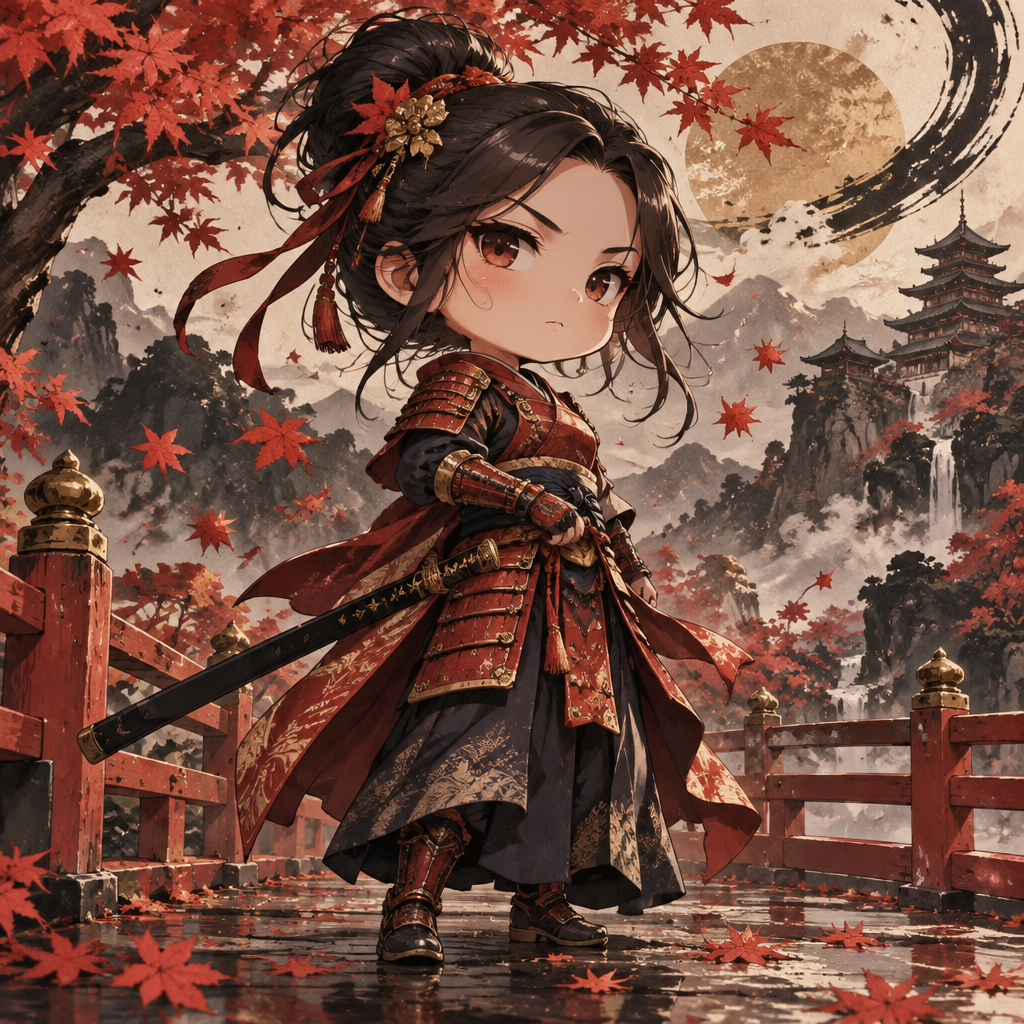
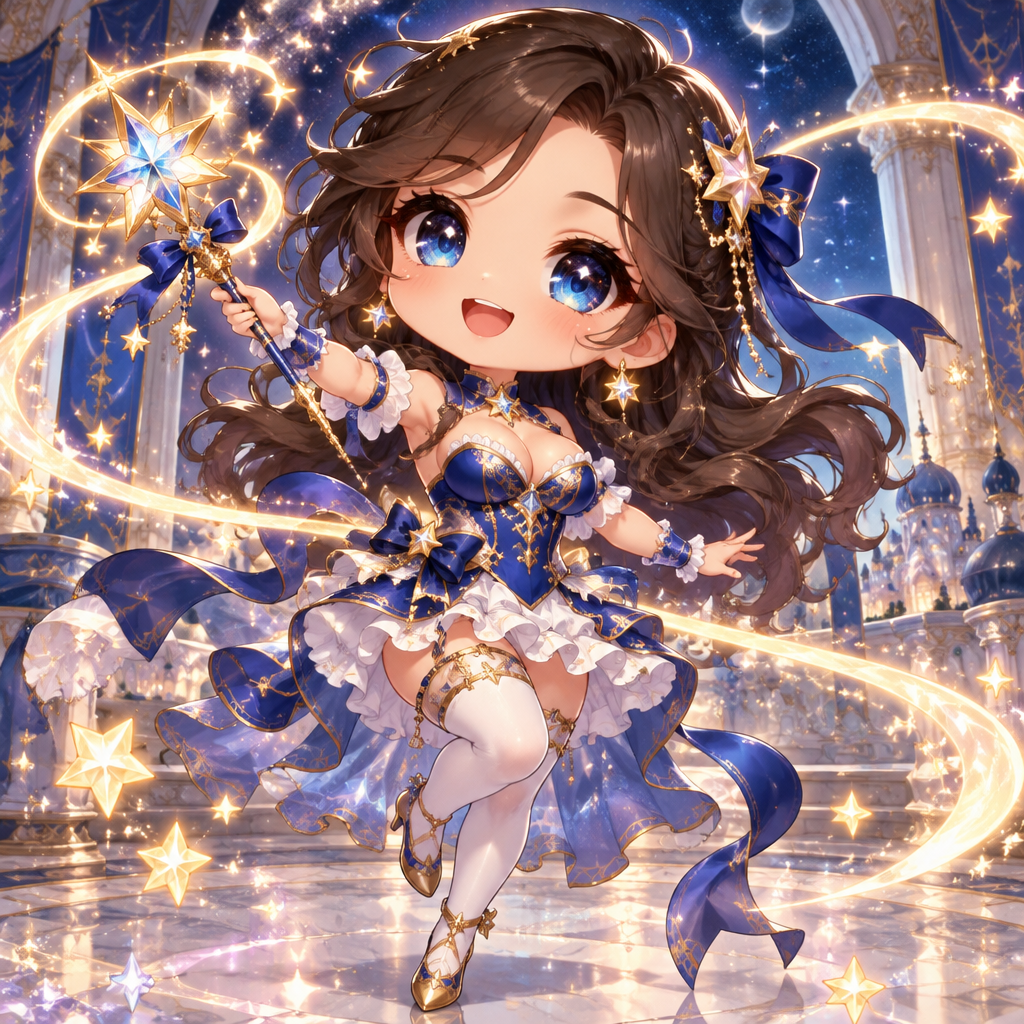
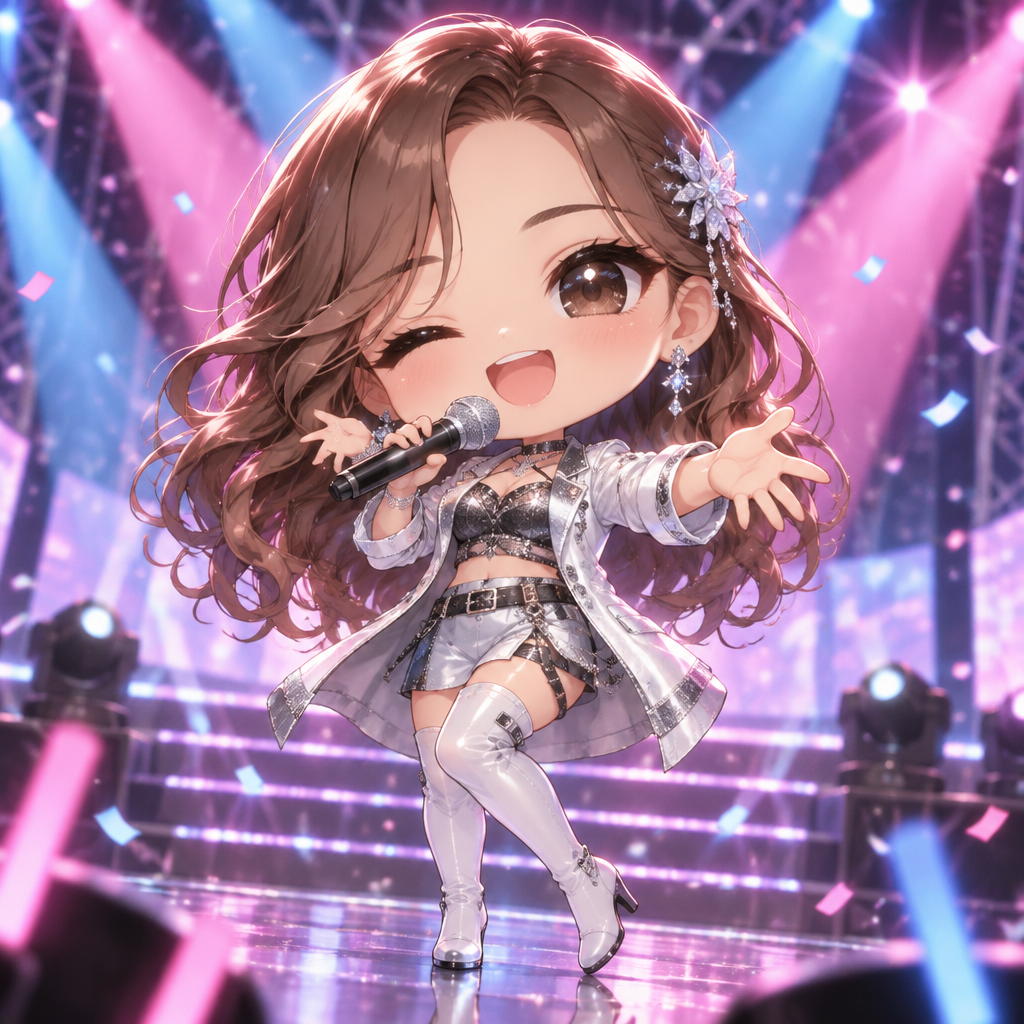
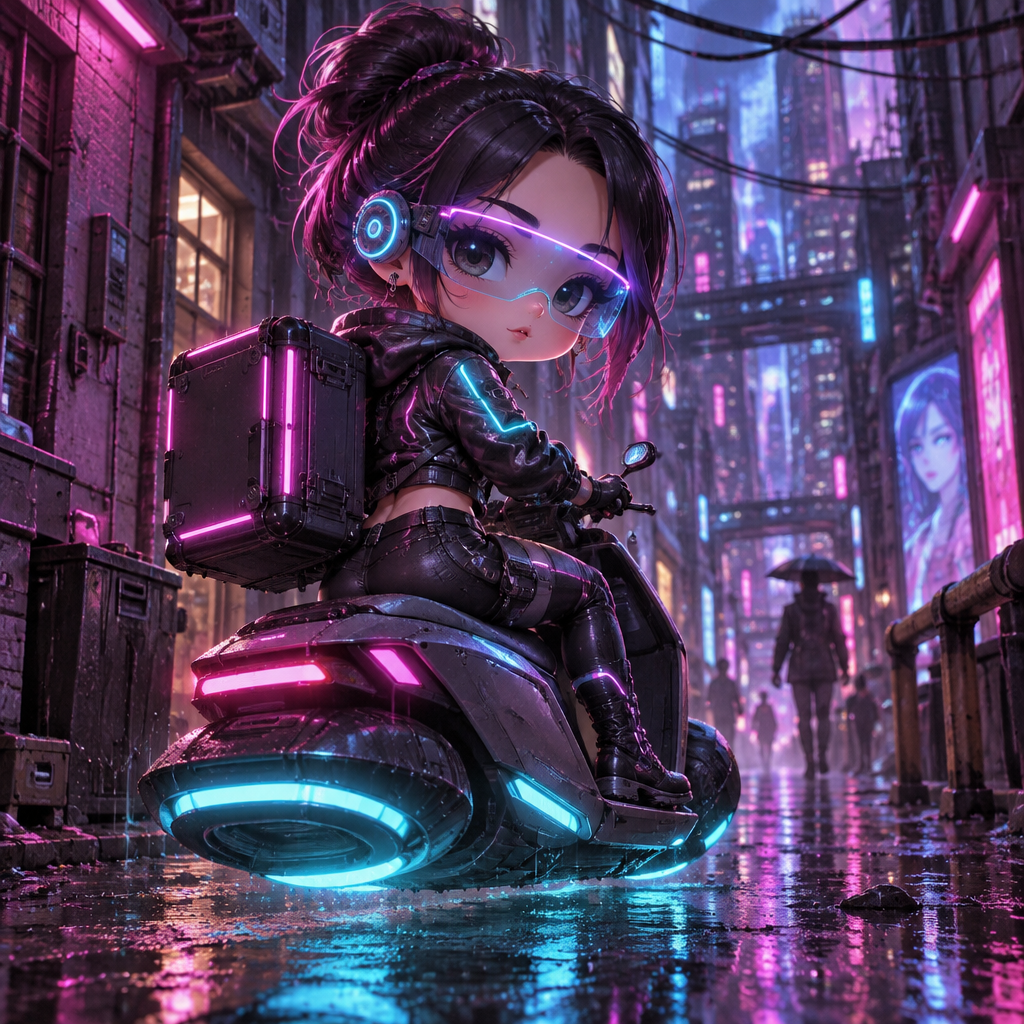
There are no sliders or dress-up menus here. You describe the character the way you would to an artist, and the AI draws it as a chibi. If something is off, type what to change and the image is edited instead of started again.
Open the chibi maker2 free credits when you sign in with Google
How it works
1. Describe the character
Hair colour and length, clothes, an object in hand and an expression are enough to get a specific result.
2. Pick how it is drawn
Classic for a clean cartoon look, Painterly for soft light, Bold Line for something graphic.
3. Adjust with edits
Open Edit and write the change, such as making the jacket green or adding a small cat at the feet.
- Characters come from your own description
- Change details by writing an edit instruction
- Square, portrait, landscape, tall and wide sizes
- Upscale a finished chibi for printing
From the community gallery
No chibis here yet
You could make the first one.